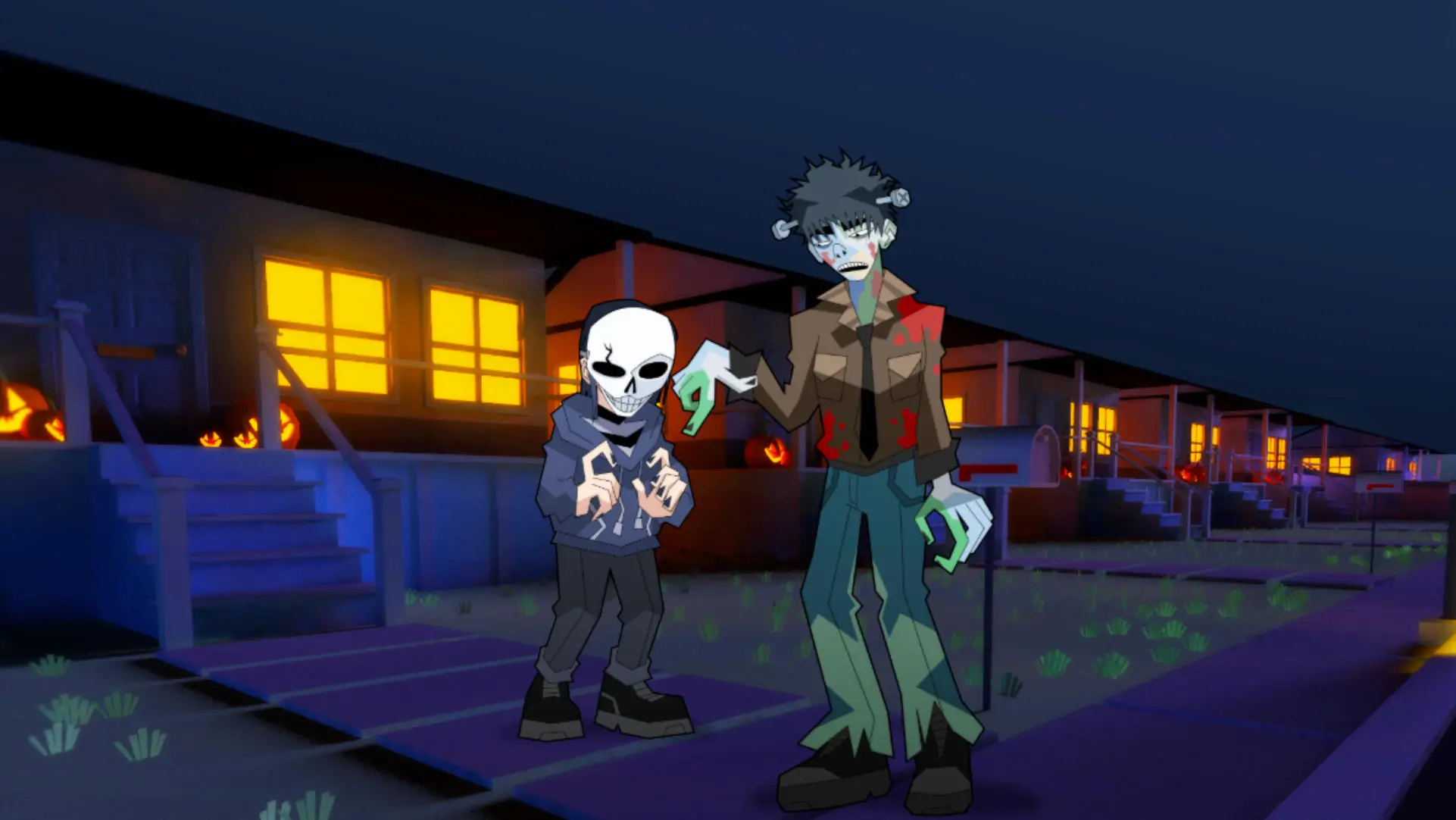
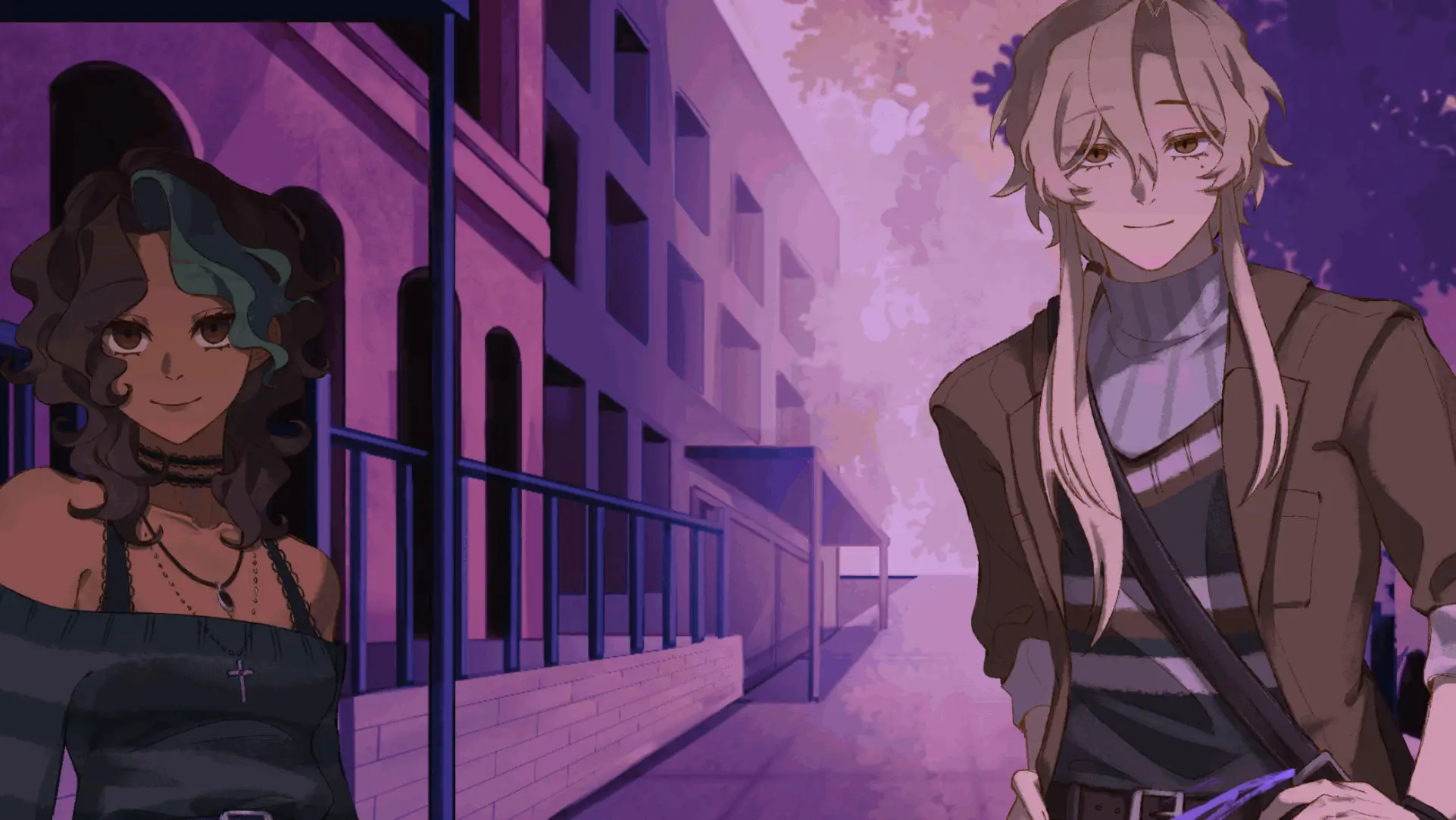
Start without friction
Free Visual Novel Games Online 🕹️
Many indie visual novels can be played directly in a modern browser. Check
each game page for its current play mode, then choose Play Now when an
embedded version is available.
- Play selected titles without downloading a launcher.
- Use a mouse, keyboard, or touch screen when supported.
- Open the game page for device and content details.
Browse free browser games → A gentle first route
Visual Novel Games for Beginners 📚
Start with a short story in a genre you already enjoy. Read the scene,
save before an important choice, and use history or rollback when you miss
a line. A second playthrough can reveal a route that the first choice hid.
- Read the dialogue and watch for repeated details.
- Save before route-changing decisions.
- Replay after the first ending to compare paths.
Find a beginner-friendly mood → Start with the basics
What Is Visual Novel Games? 📖
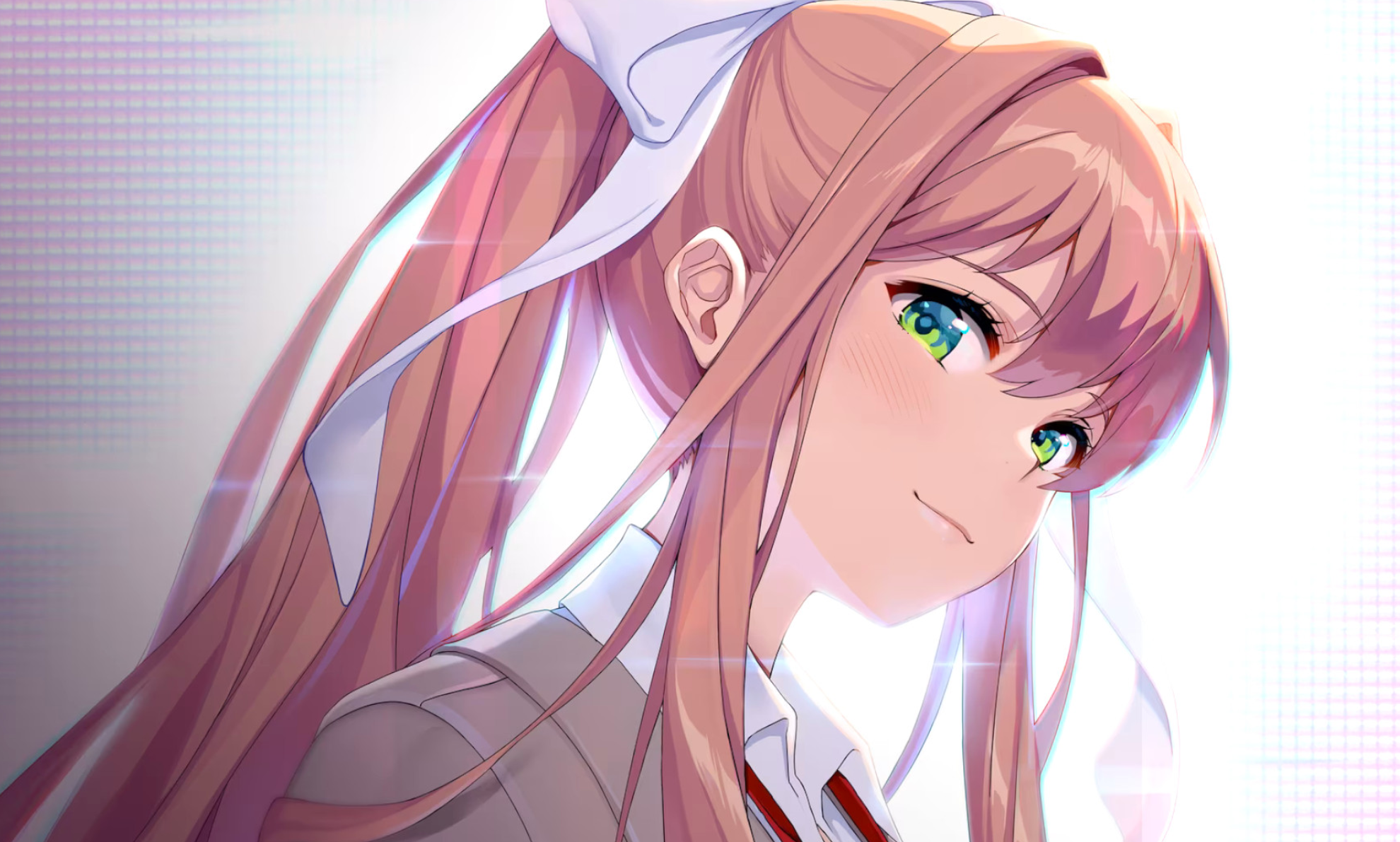
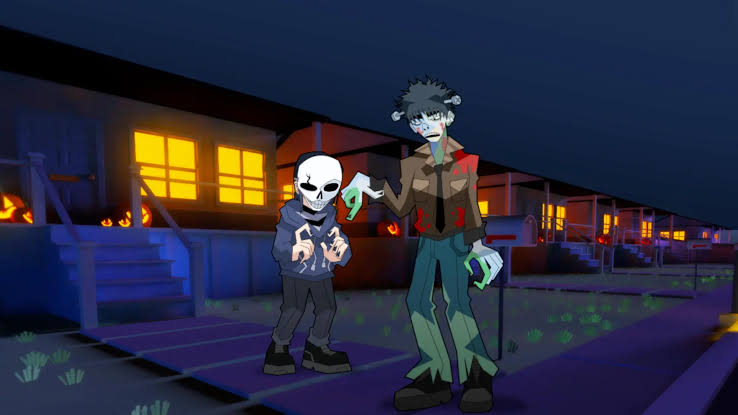
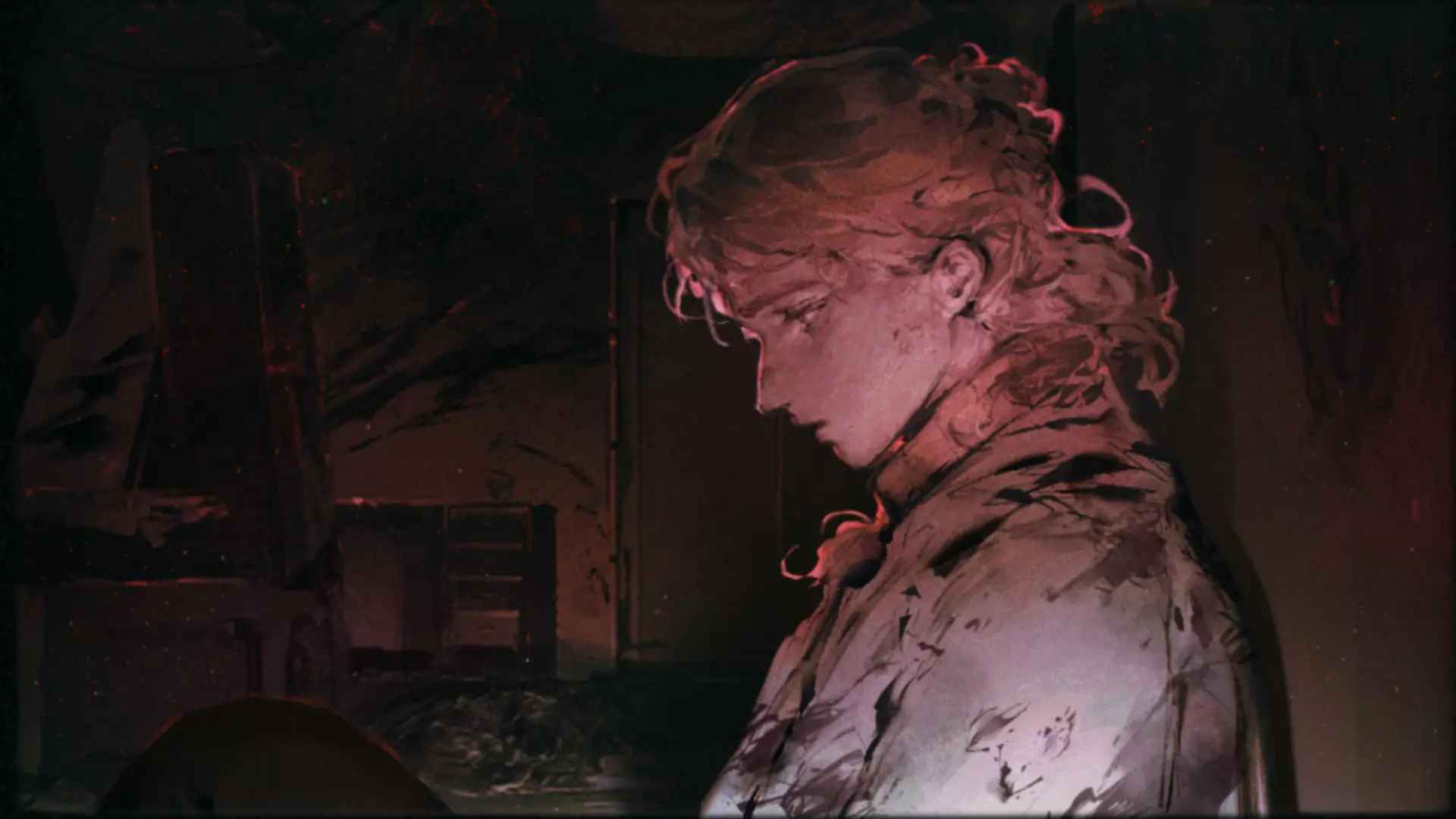
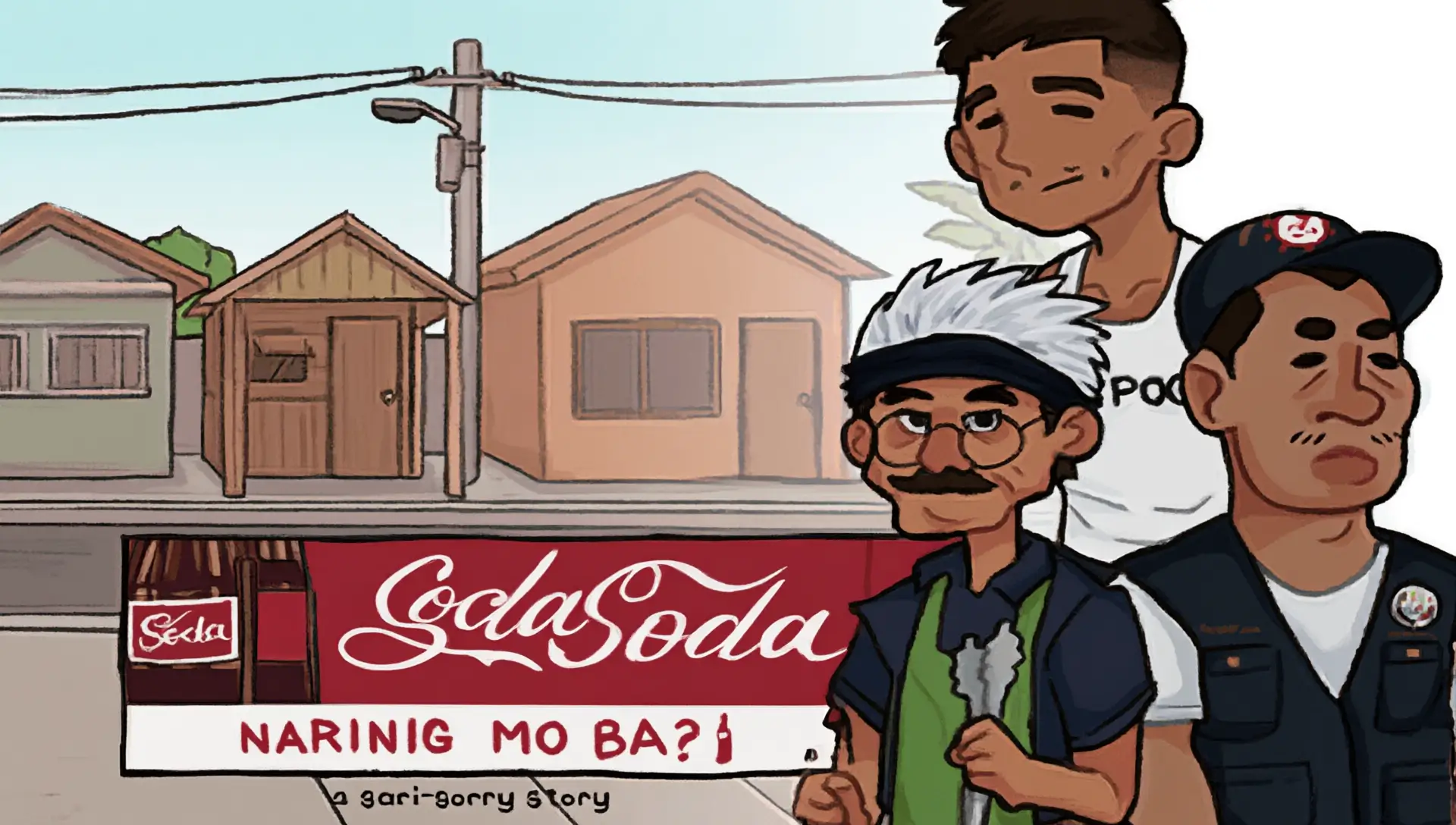
Visual novel games are interactive stories that combine written scenes with
character art, backgrounds, music, and player decisions. Instead of asking
you to master fast reflexes, they invite you to pay attention, understand the
cast, and decide what the protagonist should do next.
A title may follow one clear route, branch into several timelines, or mix
reading with puzzles, investigations, schedules, or relationship systems. The
best place to begin is usually the mood you want: a quiet romance, a tense
mystery, or a horror story that rewards noticing small details. 🎮
Why Visual Novel Games feel so engaging 🎭
Your choices give the story a personal rhythm. A conversation can build trust,
close a route, reveal a secret, or send the cast toward a completely different
ending. Art and sound also make each pause, glance, and change in atmosphere
feel meaningful.
- 🎭
Choices with weightYour replies can reshape relationships, clues, and endings.
- 💬
Characters worth followingDialogue, expressions, and small reactions make the cast feel present.
- 🎧
Atmosphere that stays with youMusic, sound, and visual details turn a scene into a memory.
A relaxed way to play
How to Play Visual Novel Games 🎮
Most games use a mouse, keyboard, or touch screen. Click or tap to advance
dialogue, then read each choice before selecting it. If a story offers saves,
keep one before an important decision so you can explore another route later.
- Read the scene.Look for details in dialogue and art.
- Choose carefully.Small replies may affect trust and routes.
- Use the history.Review missed lines without restarting.
- Replay with intent.Try a different path after the first ending.
Quick answers for new readers
Frequently Asked Questions 💬
Are visual novel games free to play?
Many indie visual novels are free, and the games listed here can be explored through their available browser or download options. Always check the individual game page for its current access details.
Do I need special controls?
No. Most titles use a mouse, keyboard, or touch screen. The main skill is reading carefully and making choices at the right moments.
Can beginners enjoy visual novels?
Yes. Start with a short title in a genre you already like. A focused story is a comfortable way to learn how dialogue, saves, choices, and routes work.
How long does a visual novel take?
Playtime varies from a short session to a long multi-route adventure. A game with several endings may take longer when you replay it to see every branch.
What should I play first?
Begin with the tone you want today. Try a mystery for clue-chasing, a romance for character routes, or a horror title if you want a tense atmosphere.
What kind of game is a visual novel?
It is an interactive story built around text, character art, music, and choices. Some titles are linear, while others branch into routes and different endings.
Can I play Visual Novel Games on Android or iPhone?
Some browser games work on mobile, but support depends on the individual title and its embedded player. Check the game facts and controls before starting.
Can I play without downloading?
Yes, selected titles offer browser play. When a game needs a download or separate build, its individual page should explain that difference.